← All products
 Buy me a coffee
Draw
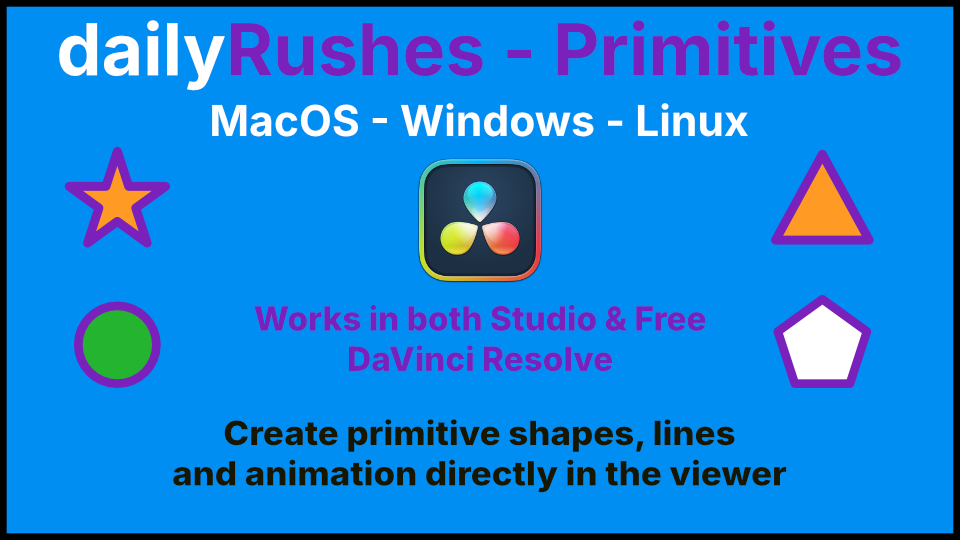
Draw, place, and animate customizable shapes directly in your viewer on the Edit and Cut pages with these fast, easy-to-use tools
Fast, easy to use draw tools that run in the edit and cut pages.
Directly in your viewer.
Need a line, drag it onto your clip and place your line.
Draw circles, ovals, polygons and stars.
Each animatable, simple to use and line up directly on your project.
No guessing where to put them.
Straightforward and easily customisable.
Directly in your viewer.
Need a line, drag it onto your clip and place your line.
Draw circles, ovals, polygons and stars.
Each animatable, simple to use and line up directly on your project.
No guessing where to put them.
Straightforward and easily customisable.
How to install
- Unzip the download. Inside is the folder Primitive.ofx.bundle.
- Copy that whole folder into:
- Windows:
C:\Program Files\Common Files\OFX\Plugins\
Windows asks for permission: click Continue. If the OFX\Plugins folder doesn't exist, create it. - Mac:
/Library/OFX/Plugins/
Finder asks for your password.
- Windows:
- Restart DaVinci Resolve. Resolve only loads OFX plugins when it starts.
- Find it in the Effects library under OpenFX.
Updating: close Resolve, then replace the old folder. Removing: close Resolve and delete the folder.
Download
Enter your name and email to get the download link.