← All products
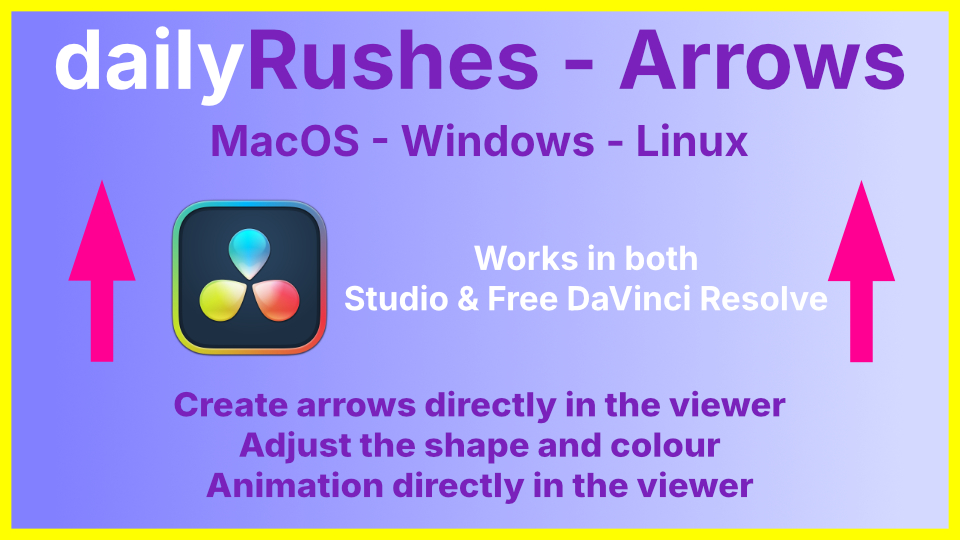
Arrows
Updated version of Arrows Open FX, runs smoothly in both Free and Studio. More options including arrow tails and save as preset to use in other projects
If you’re using DaVinci Resolve, you don’t need me to tell you how much of a pain arrows are.
This plug in makes creating, adjusting and animating arrows a breeze.
Drag it onto an image, adjustment clip, or fusion comp.
Click twice to place.
Then make the changes you want.
You can even animate the colour.
Playback is improved, but if your computer struggles, turn the preview quality down till the changes you want are done, then turn it back up.
Simple really.
Just make sure you turn on the overlay to place the arrow.
Changes in the inspector run with or without the overlay.
Each new arrow requires a new fusion comp or adjustment layer.
Windows users can save and load presets.
Fusion comps must have a background node attached or your project won’t render.
Works on macs, Linux and windows.
Runs in both the edit and cut pages.
This plug in makes creating, adjusting and animating arrows a breeze.
Drag it onto an image, adjustment clip, or fusion comp.
Click twice to place.
Then make the changes you want.
You can even animate the colour.
Playback is improved, but if your computer struggles, turn the preview quality down till the changes you want are done, then turn it back up.
Simple really.
Just make sure you turn on the overlay to place the arrow.
Changes in the inspector run with or without the overlay.
Each new arrow requires a new fusion comp or adjustment layer.
Windows users can save and load presets.
Fusion comps must have a background node attached or your project won’t render.
Works on macs, Linux and windows.
Runs in both the edit and cut pages.
How to install
- Unzip the download. Inside is the folder dailyRushesArrow.ofx.bundle.
- Copy that whole folder into:
- Windows:
C:\Program Files\Common Files\OFX\Plugins\
Windows asks for permission: click Continue. If the OFX\Plugins folder doesn't exist, create it. - Mac:
/Library/OFX/Plugins/
Finder asks for your password.
- Windows:
- Restart DaVinci Resolve. Resolve only loads OFX plugins when it starts.
- Find it in the Effects library under OpenFX.
Updating: close Resolve, then replace the old folder. Removing: close Resolve and delete the folder.
From $3.00 · Suggested $10.00
Pay what you want — choose your price at checkout